

Cube Studio
Cross-Platform Digital Art App
Client: ART 314 • Tools: Figma, Procreate, Adobe Lightroom
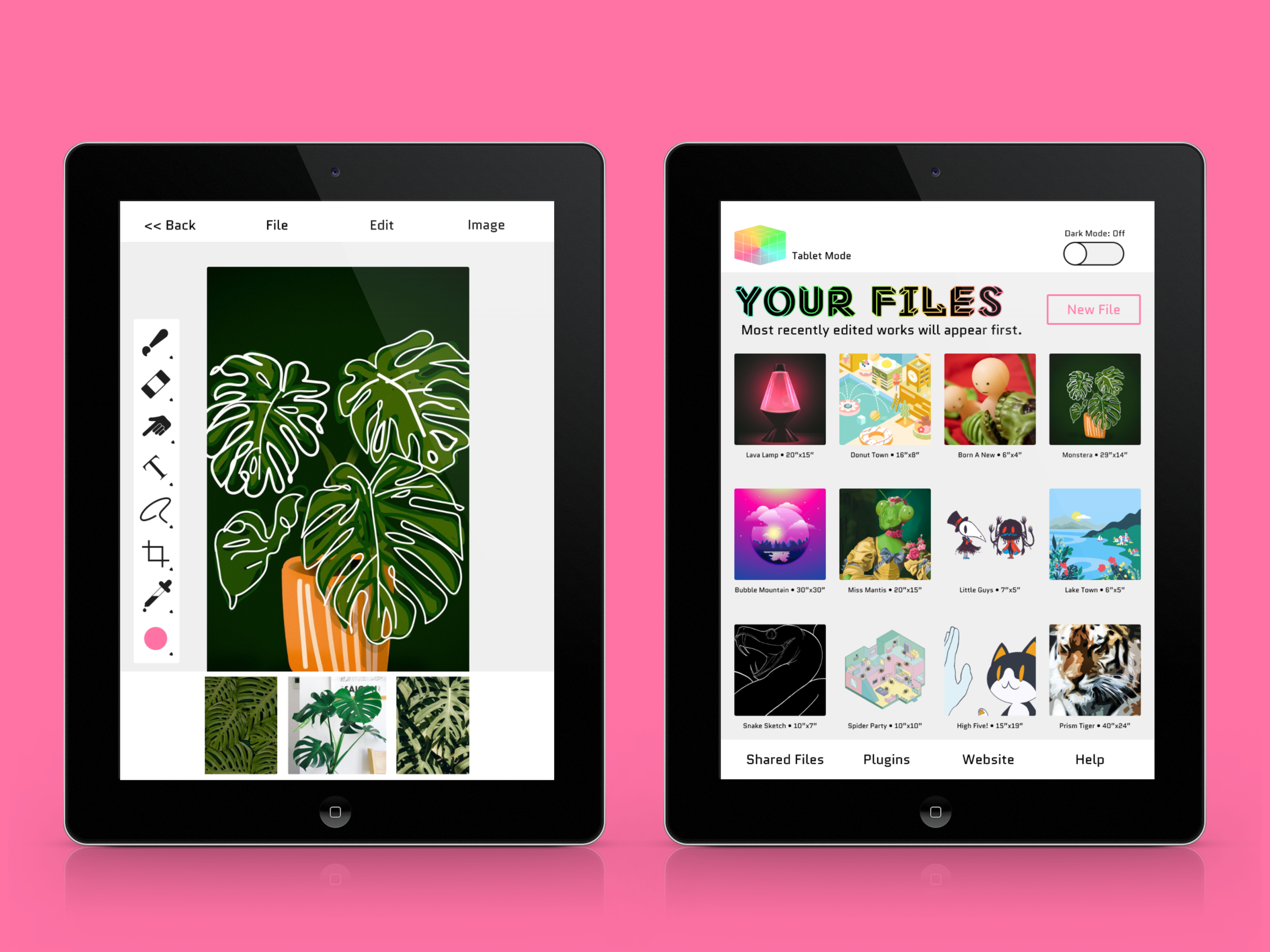
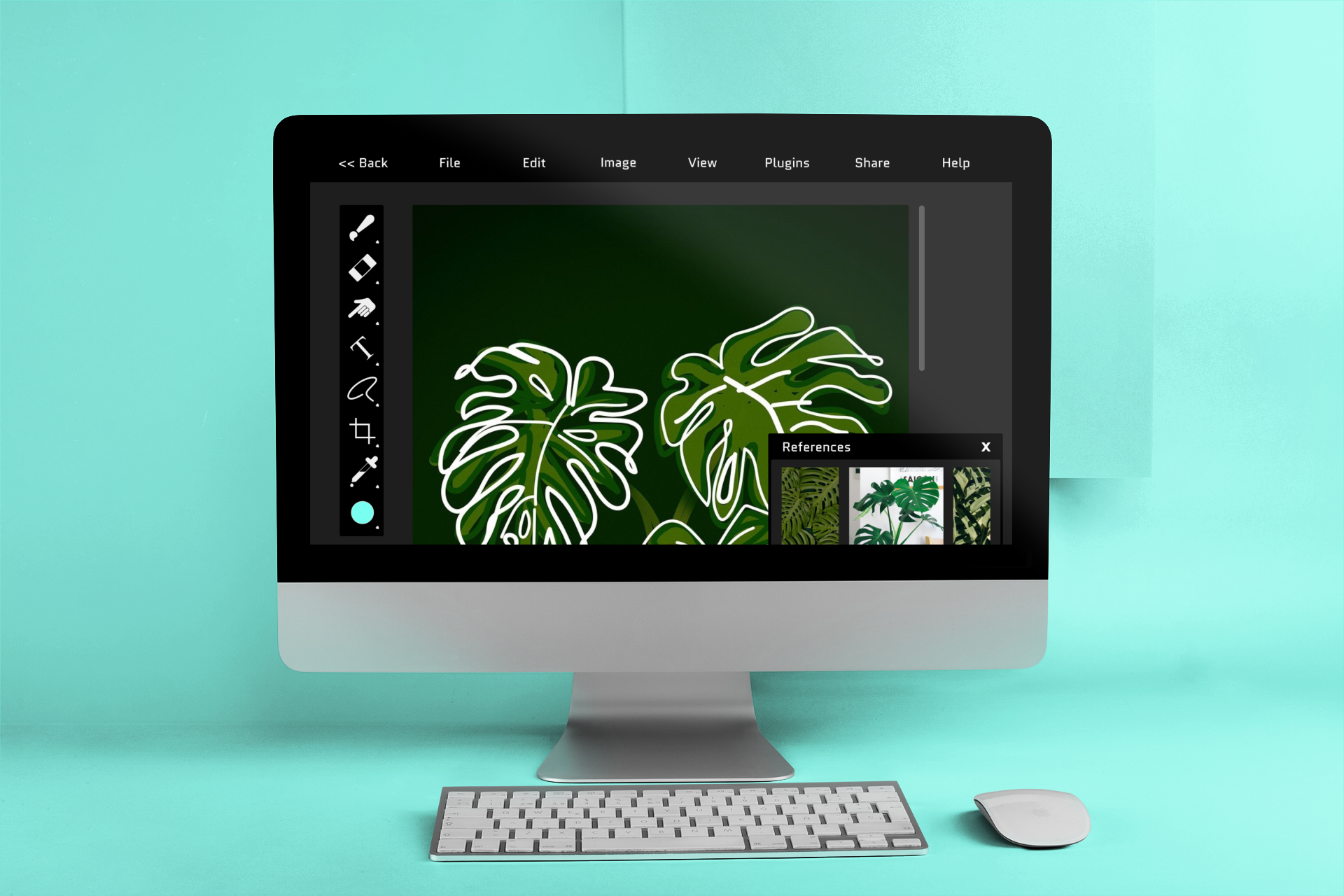
For this project, I was tasked to create a mock-up for an application that could be seamlessly used on desktops, tablets and mobile phones. I came up with the fictional software called Cube Studio; a hodgepodge of existing softwares (like Photoshop and Procreate) that one could use to create and share works between platforms and with other users.
Layout is simple and user friendly.
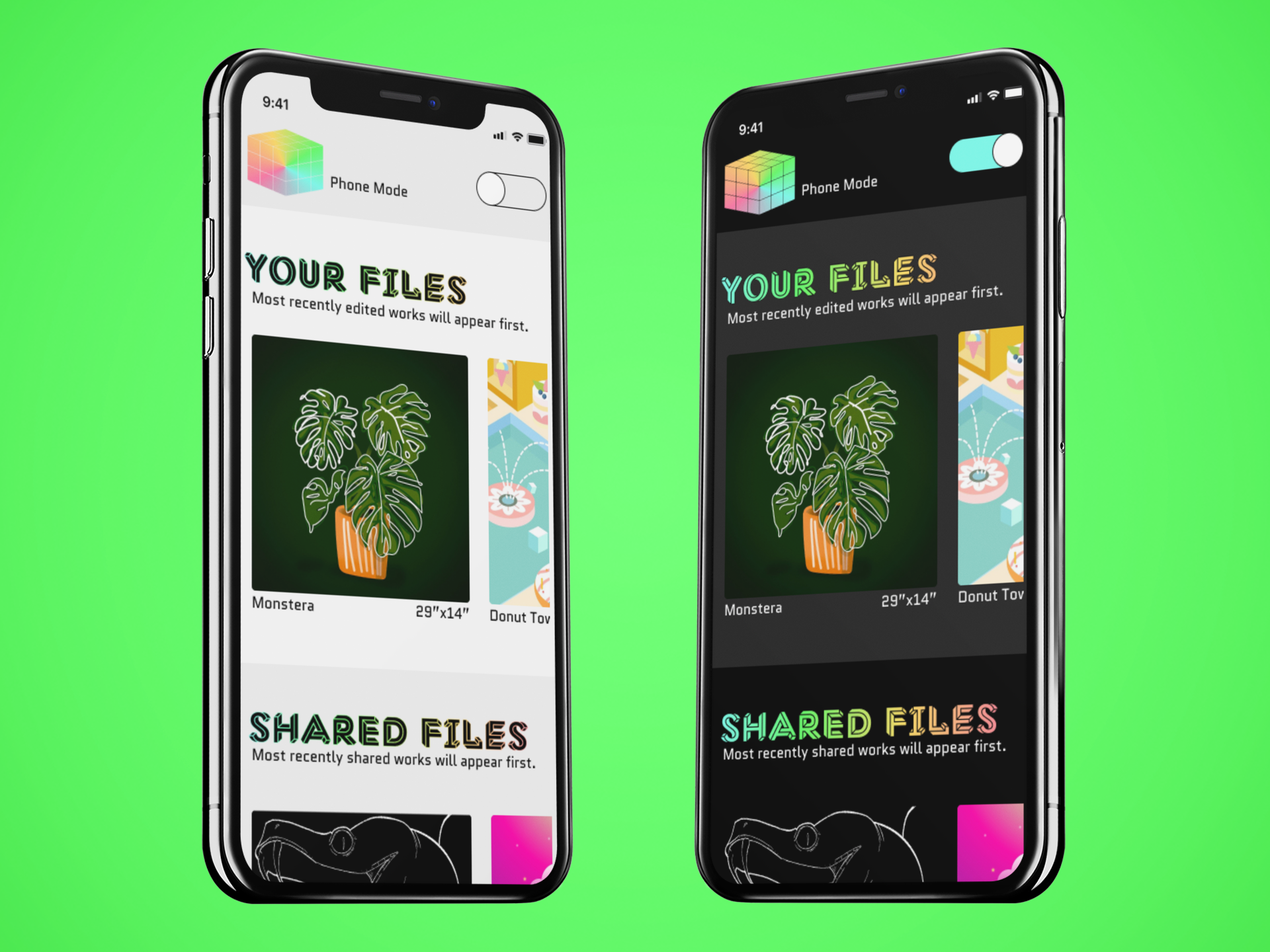
Ideally, the creation of art would be mainly reserved for the desktop and tablet versions, with the mobile version being more simplified and focused towards sharing work and giving feedback. Sharing features would still be available on the desktop and tablet versions, making it optimal to use for collaborative works (Example: User A on desktop shares a sketch with User B on tablet to color and finish. Then, User B sends finalized work with User A, B, C, and D for feedback). The base functions of the app would be relatively simple, with plugins and more advanced settings available for those who want them, making Cube Studio accessible for both professional and hobbyist artists.
Upload and share images directly from your phone.
Use speech bubbles to make comments and place them wherever on shared files.
I’d like to go back to this project sometime and add more prototyping. A color wheel or an option for layers would be a good start. I also think a document set-up overlay before creating a new file would be nice too, or settings in regards to sharing works (like wether you want people to just view it or be able to edit) would help sell what I had in mind for this app. Overall, I’m happy with how this project ended up, but I want to continue to experiment with different prototyping tricks and animations.
Pick up where you left off on the same project cross different devices.
The Creative Process


